Create chatbot
Set up a bot for your website in a simple client portal.
aZentiKo helps your website answer customer questions, capture leads, and reduce repeated support work using the information you add.
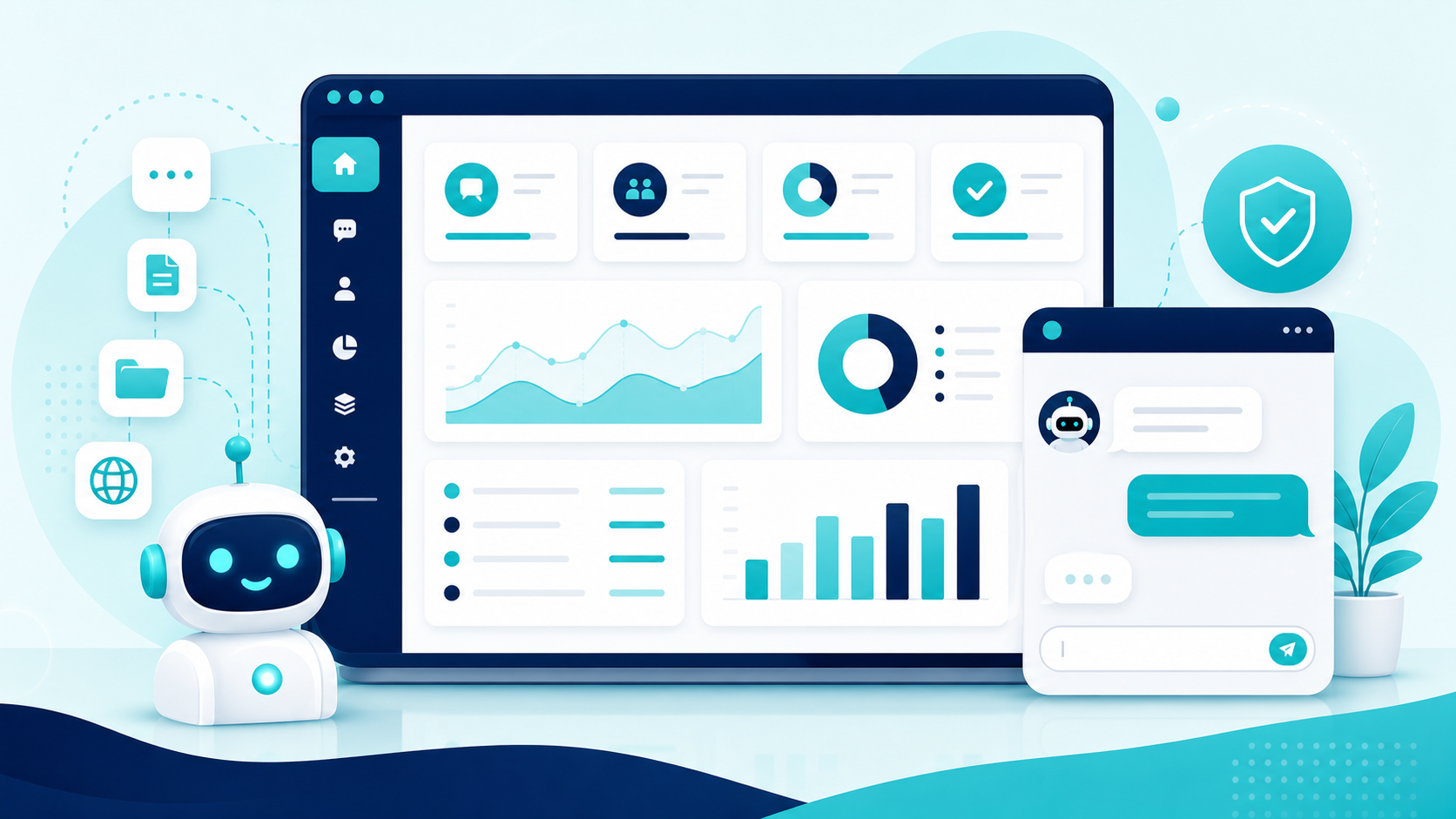
Create the bot, add useful business information, connect your domain, and track what visitors ask.
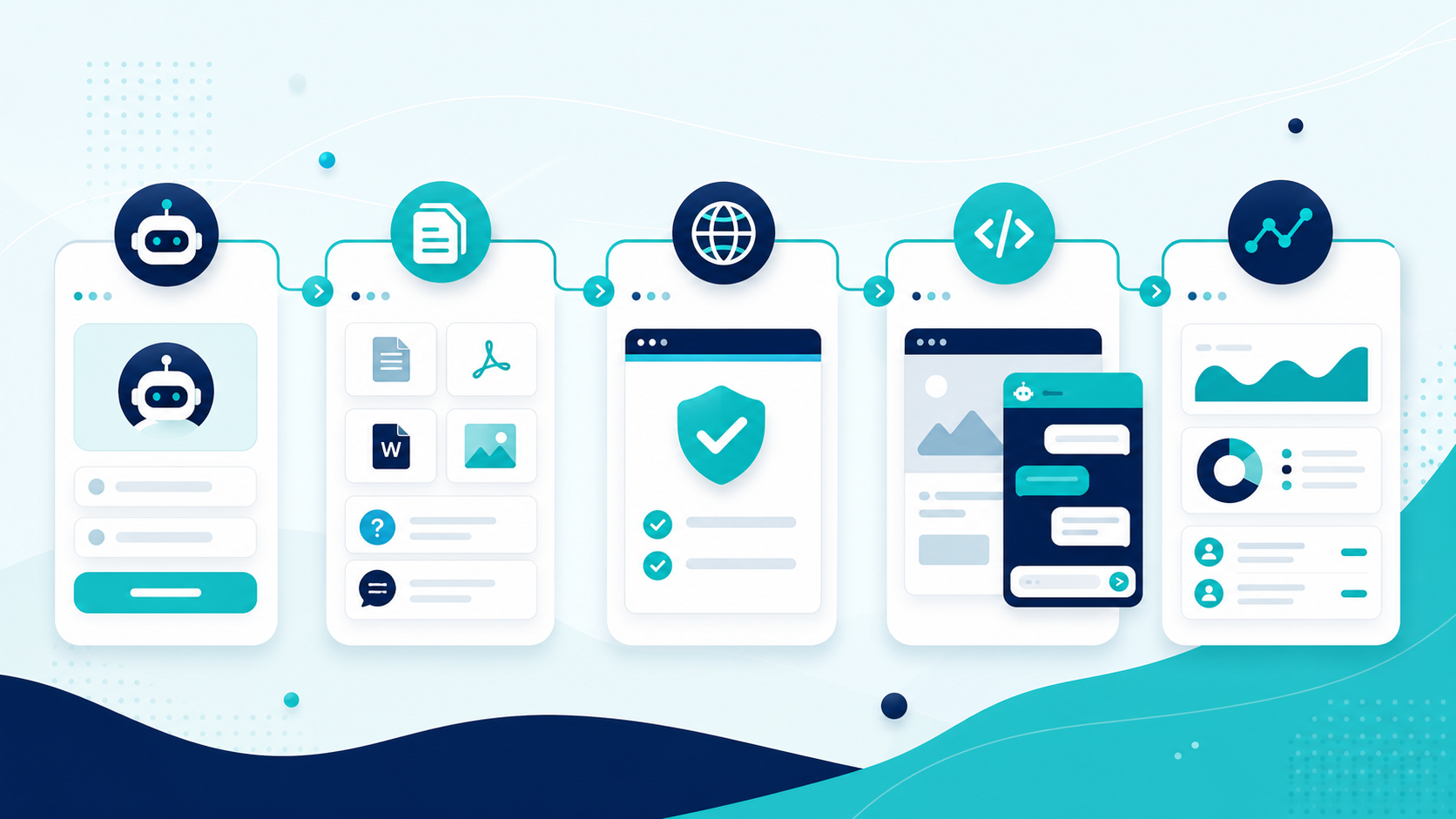
Set up a bot for your website in a simple client portal.
Add FAQs, text, files, or website pages that the bot can use.
Allow the bot to work only on approved business websites.
Place the chatbot on your website with a small widget script.
Review chats, leads, usage, and questions that need more content.
Simple tools for clients, clear controls for admins, and safer AI replies for visitors.
Create and manage website assistants without technical steps.
Train replies from FAQs, text notes, uploaded files, and website pages.
Answer from approved business data so visitors get useful help fast.
When information is missing, the bot gives a safe reply instead of guessing.
Collect visitor details when they need follow-up from your team.
See what visitors asked and how the assistant replied.
Track AI usage, replies, tokens, and cost from the portal.
Manage plans, invoices, payments, limits, and client subscriptions.
Use provider settings, answer modes, and fallback routing from admin tools.
aZentiKo gives different users one simple way to answer, capture, manage, and improve support.
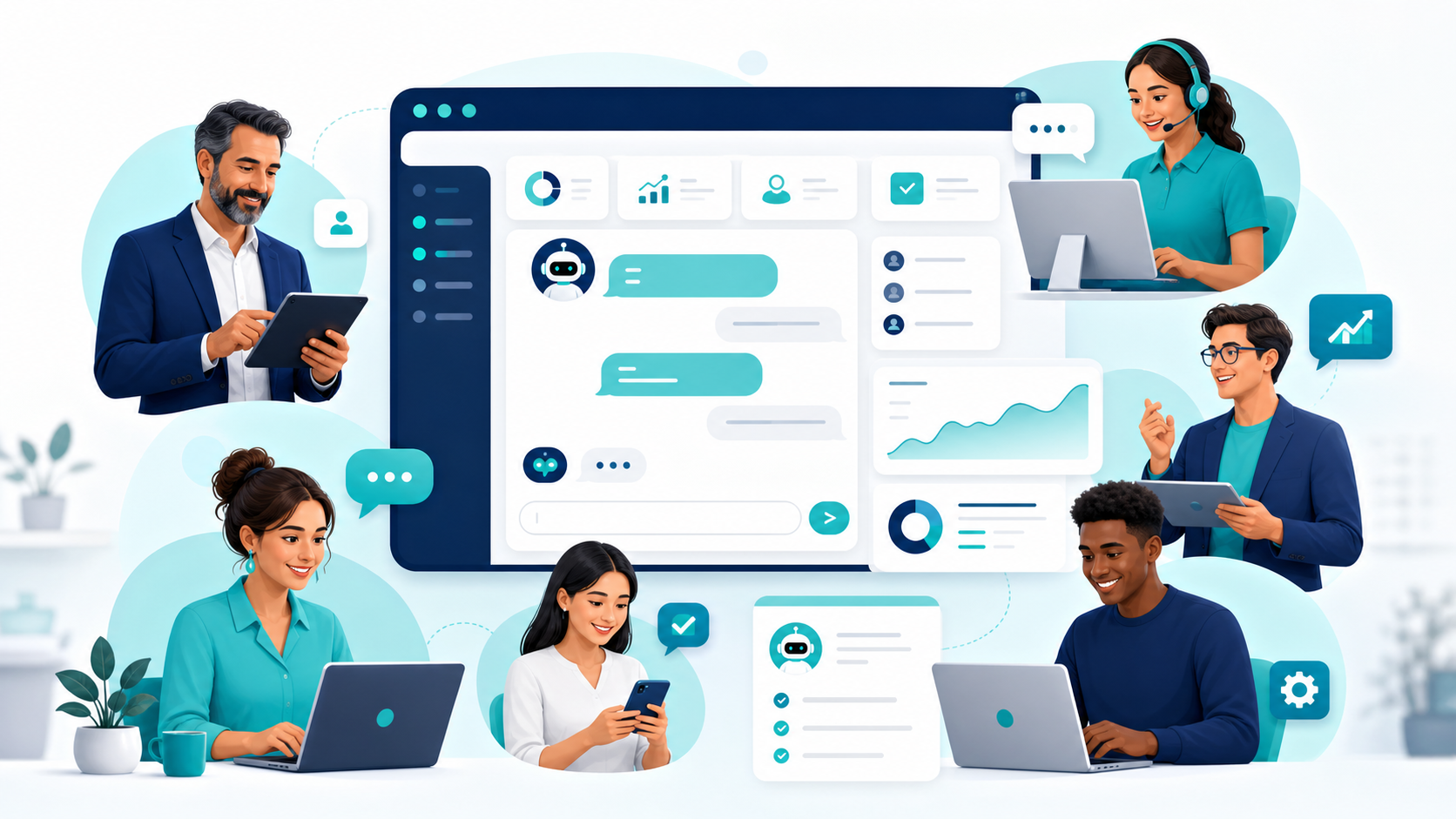
Reduce repeated questions and help more website visitors take the next step.
Give quick answers, keep chat history, and find missing help content.
Capture leads from interested visitors and follow up with better context.
Create and manage chatbots for different client websites from one system.
Help users understand features, onboarding steps, policies, and common fixes.
Control clients, plans, jobs, providers, reports, and system health.
Put a helpful assistant on business websites, product pages, landing pages, help centers, and client support pages.
The public chatbot uses approved knowledge, domain checks, and safe answer modes. Provider keys, prompts, and internal settings stay private.
Create your client account, add your business knowledge, and make your chatbot ready for your website.